

Welcome to the Bootstrap Wizard v1.0 help file! This guide is here to assist you in navigating and making the most of all the features available in the Bootstrap Wizard app. Bootstrap Wizard is a powerful tool designed to streamline the web development process by generating starter files for websites built on the Bootstrap 5 framework. It simplifies the creation of modern, responsive websites with just a few clicks.
The app is organized into five key screens:
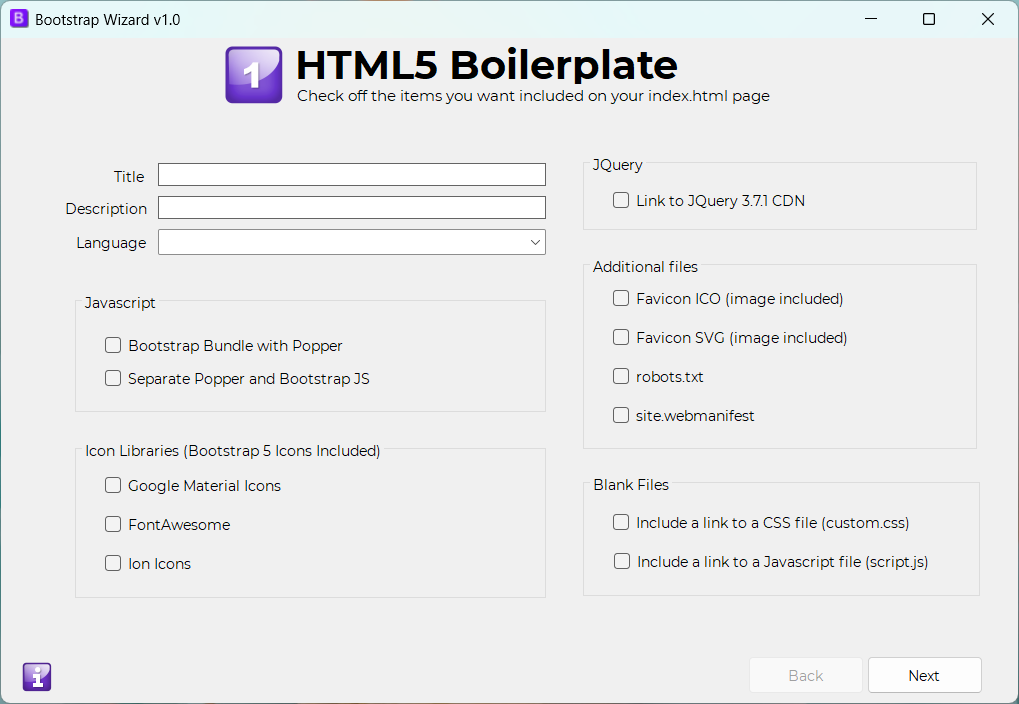
This screen allows you to set the foundational options for your 'index.html' files including the page title, description, favicon, and FontAwesome settings.
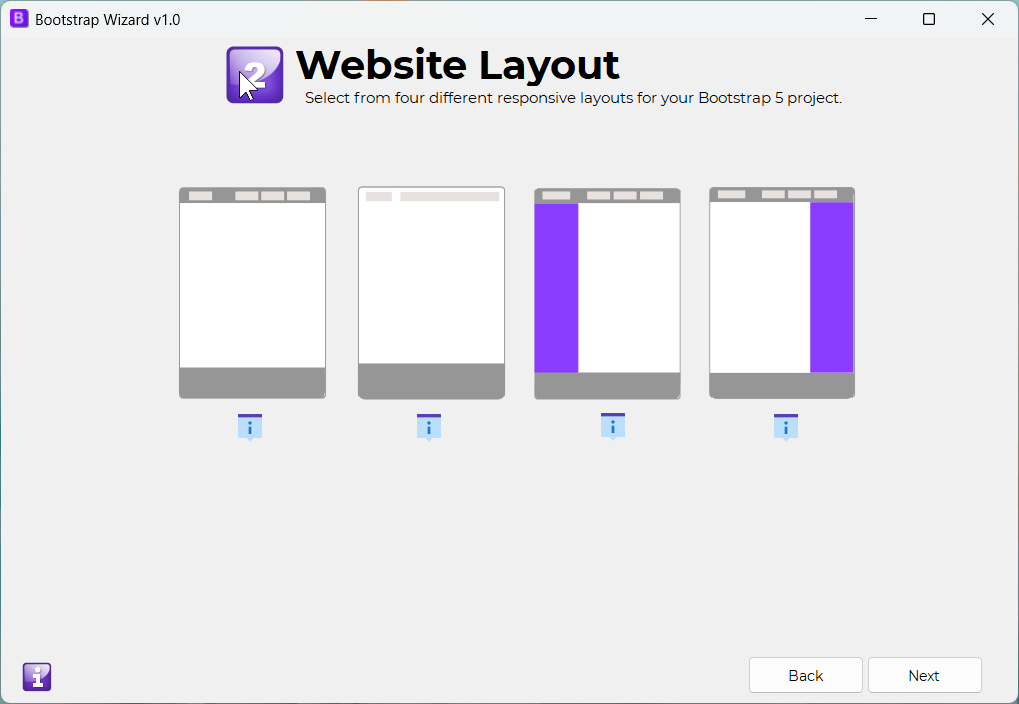
More InformationHere, you select the layout for your web pages. Options include a single-column or two-column design, with a choice between a dark or light menu header at the top.
 More Information
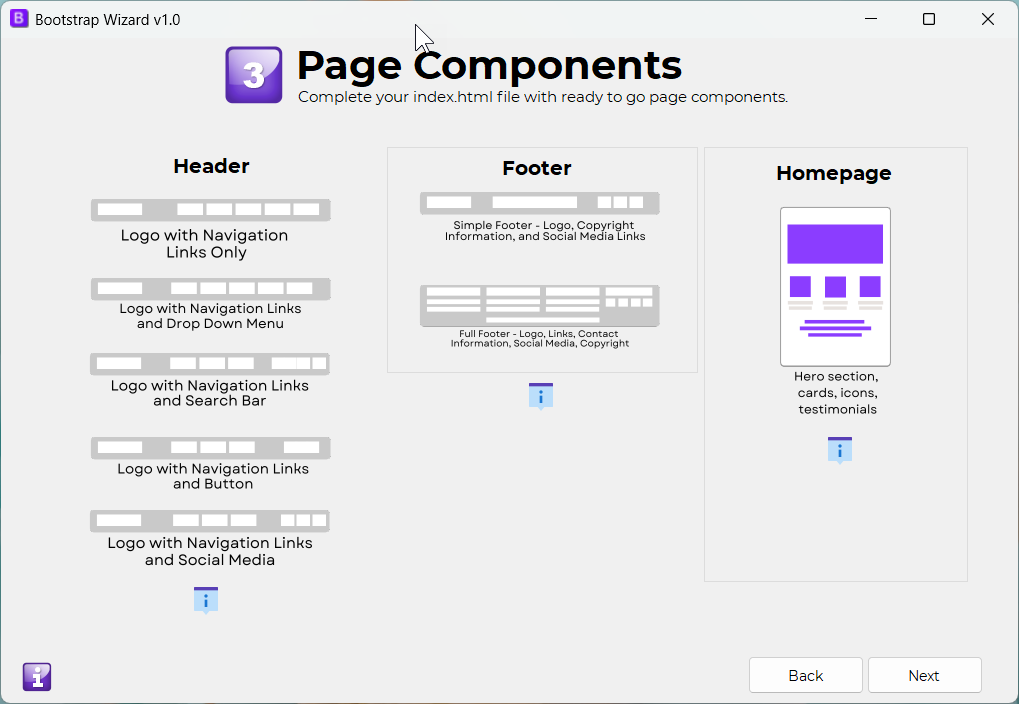
On this screen, you can customize the header and footer of your website. Choose from options like a responsive header with a call-to-action or a navigation menu with dropdowns. You can also select between a simple or more elaborate footer.
 More Information
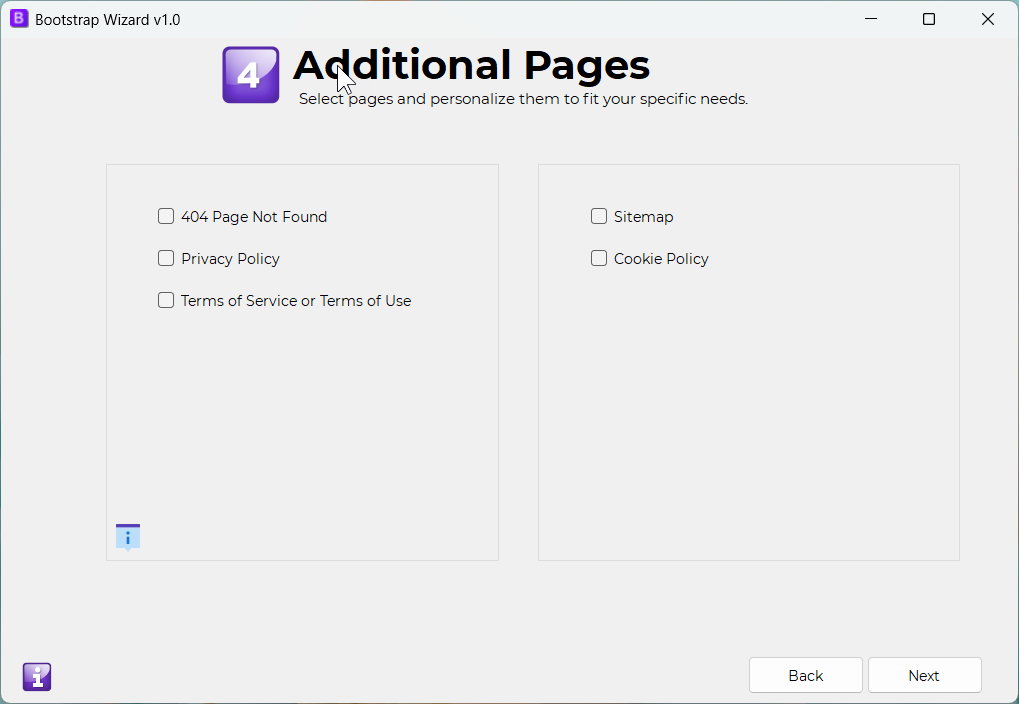
This screen allows you to add extra pages to your project, such as a sitemap or privacy policy.
More Information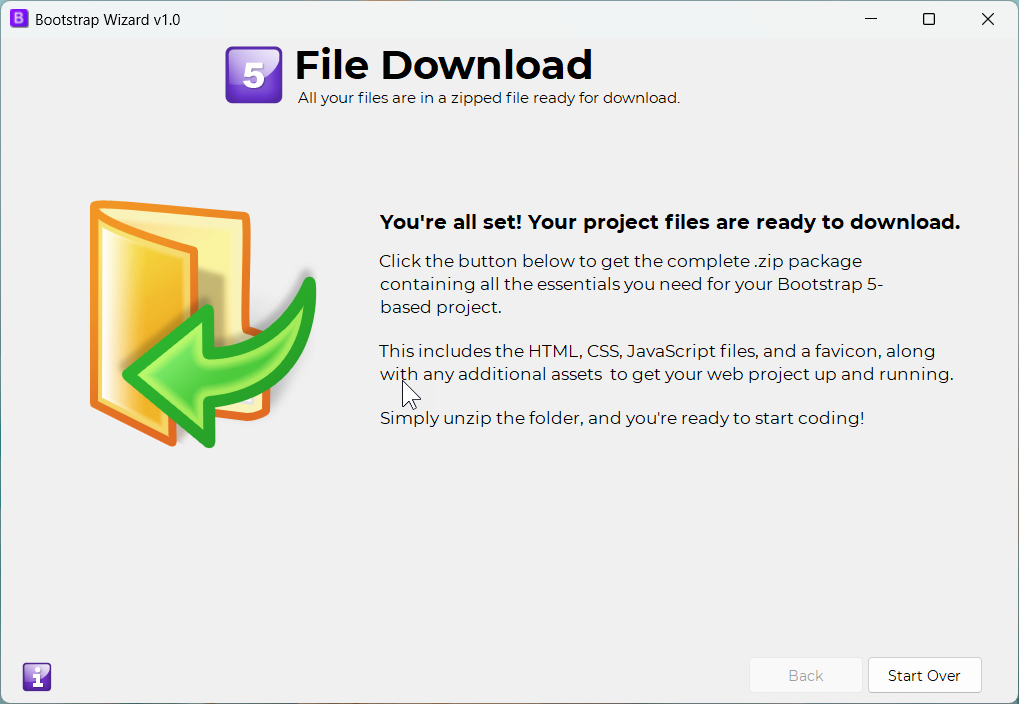
The final screen where you download your project files. All of your 'index.html' and additional files, including images, JavaScript, and CSS, will be packaged in a zip file, ready for use.
More Information